
Car Jump AI Prompt: The Exact Prompt We Use, With Tips
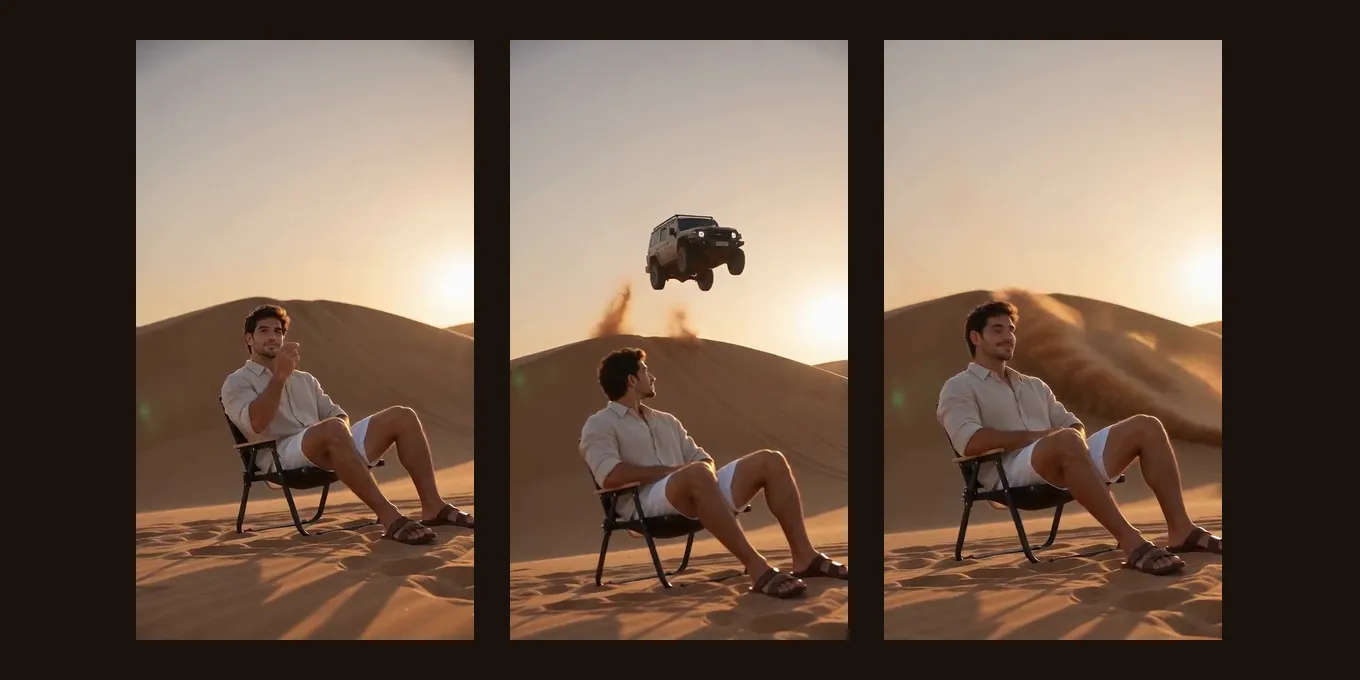
The car jump AI trend is a calm person in a chair while an off-road car flies off a dune behind them. Most guides hand out a prompt to paste into a video app. Below is the exact prompt our generator sends for it, word for word, the same text that made our own test render, and what each part is for.
If you would rather skip the prompt, the car jump AI video effect here takes one photo and sends this prompt for you: 5 seconds, 9:16, 4 credits at 720p.
Updated
CAR JUMP AI · PROMPT
1
The exact prompt we use
- Word for word
- Each line explained
- No-prompt way
The car jump AI prompt, word for word
A wide desert of rolling sand dunes at golden hour, low camera. The person or people from reference image 1 sit relaxed in folding camp chairs in the foreground, facing the camera, calm and unbothered. They snap their fingers; well behind them, a dusty off-road car of no real make (plain bodywork, no logo, badge or lettering anywhere) races up a dune, launches off its crest and flies through the air in slow motion, sand spraying from its wheels, then lands on all four wheels and skids to a stop. They never turn around and finish with a small smirk at the camera. A cinematic stunt shot; the car stays well clear of them and nobody is hurt. Frame: 9:16.

Keep each face, hairstyle and outfit exactly as in the photo; ignore the photo background.

Photorealistic, cinematic light, smooth continuous motion. No split screen, no captions or text on screen. Sound: an original cinematic action beat that builds, a roaring engine and a heavy bass hit on the landing; no speech.
“reference image 1” is the photo you upload. In a tool that names photos differently, change it to that tool’s word, for example “the person in the photo”.
The look the prompt aims for: a calm person in a chair, a car flying off a rise behind him (32.4K views).by @ghaithx95 · Watch on TikTok
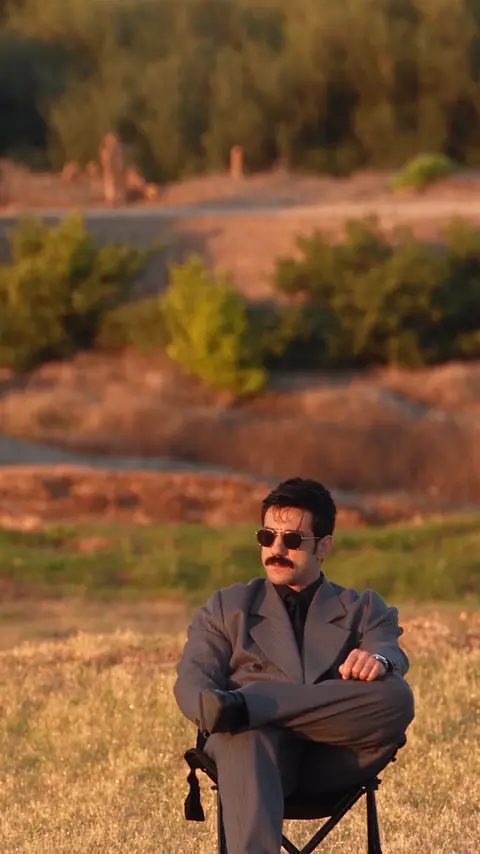
TikTok posts by other creators, shown with credit and linked to the original. Hover to play; sound starts off.
No prompt needed
Make it here from one photo
One photo; the prompt above is sent for you. The button shows the credits before you create.
Your two performers
A clear, well-lit photo works best. Two photos put two people side by side.
Choose the stage
Video settings
What should they rap about?
Ready in about 3 minutes; failed generations return your credits. View pricing
What each part of the prompt does
- Golden-hour dunes and a low camera: the light and angle the trend’s clips copy.
- Seated in camp chairs, facing the camera, calm: the joke is that the person does not react.
- A car of no real make, no logo or lettering: keeps any brand out of the clip.
- Up a dune, off the crest, slow motion, lands on four wheels: one clear jump from start to landing.
- Never turn around, a small smirk: keeps the face toward the camera, where it is easiest to keep.
- Stays well clear, nobody is hurt: stops the model from flying the car at the person.
- Keep the face, hairstyle and outfit: so the person still looks like the photo.
Our test render with this prompt
We made it on 14 October 2026 from one AI-made man’s photo: Seedance 2.0 Mini, 480p, 5 seconds, 9:16. The car jumped and landed behind him, he stayed in his chair, and his face and shirt stayed his. It is one render, not a guarantee.
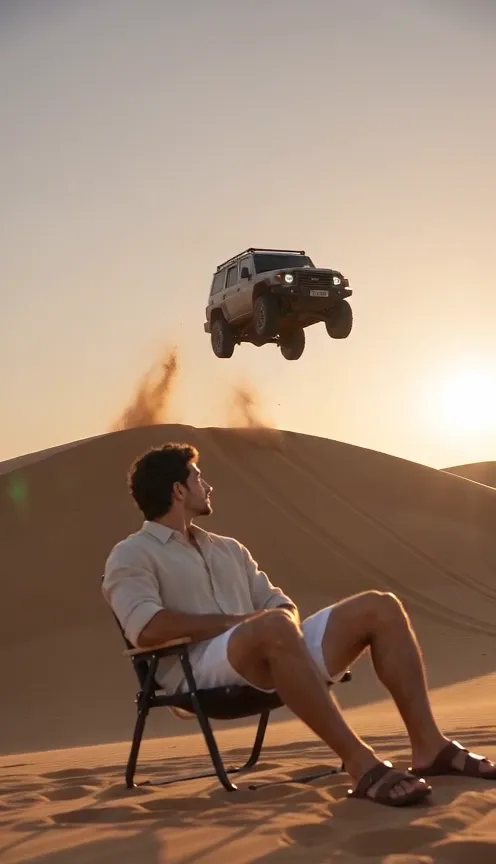
Seedance 2.0 Mini · 480p · 5 s · 9:16
- Product test render, made outside the website with our generation pipeline.
- Audio: music the model wrote for the effect.
- Web preview: 496 × 864, compressed for playback. The settings above describe the original render.
Using the prompt in Kling, Google Flow or Higgsfield
- Open an image-to-video mode and upload one sharp photo of you, ideally sitting or full length.
- Paste the prompt and change “reference image 1” to how that tool refers to your photo.
- Pick 9:16 and the shortest length that fits one jump; longer clips add drift and cost.
- Check the car mid-air and the landing, where it changes shape most, and retry if needed.
Some tutorials skip prompts entirely: Higgsfield’s Genjutsu copies the motion of an existing clip of the trend onto your photo (TikTok). That follows the original clip more closely, but you need the clip and you pay for each try.
A tutorial that copies a clip of the trend onto a photo with Higgsfield Genjutsu, no prompt (101K views).by @stevenwommack · Watch on TikTok
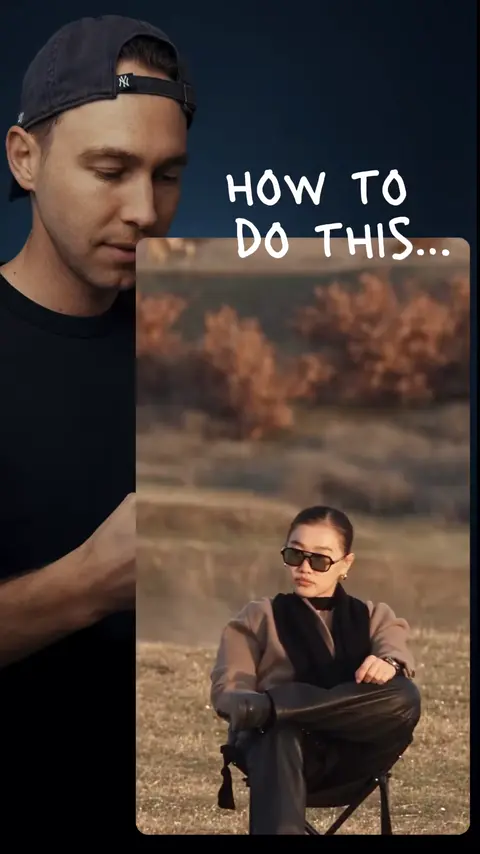
TikTok posts by other creators, shown with credit and linked to the original. Hover to play; sound starts off.
Tips and limits
- Sunglasses in the photo stay on in the video.
- One photo of two people works: both sit in chairs.
- 5 seconds fits one jump; longer lengths cost more and we have not tested them.
- Pets have not been tested in this prompt.
- Only use photos of people who agreed to be in it.
FAQ
What is the best car jump AI prompt?
One that fixes the parts that go wrong: the car stays far behind you, has no logo, jumps once in slow motion and lands, and you stay seated facing the camera. Ours above does all of that and made our test render.
Can I make the car jump AI video without a prompt?
Yes. On Hotel Lobby Video (rapaivideo.net) the Car Jump effect takes one photo and sends the prompt for you: 5 seconds, 9:16, 4 credits at 720p.
Is the car jump AI video free?
Not here: 4 credits for 5 seconds at 720p. There is no free preview. Other tools have their own free tiers and limits.
Which car is in the video?
An off-road car of no real make. The prompt asks for plain bodywork with no badge or lettering, so no brand appears.
Can I use this prompt in Gemini or ChatGPT?
Only in a mode that makes video from a photo. A chat that makes still pictures will give you one frame, not the jump.
Sources
Read next
Hotel Lobby AI Prompts: Our Exact Prompt and 5 to Copy
The exact Hotel Lobby AI prompts our generator sends (Wan 3.0 with the Hotel Lobby track, and Seedance with an AI rap), what each line does, and five photo-only prompts to copy for couples, friends, family, characters and pets
How to Make the Burning Bridges AI Video: 3 Ways
How to make the Burning Bridges AI video: the three ways people do it (one photo with the song, a motion swap in Higgsfield or Kling, a CapCut template), step by step, with what goes wrong and what to post
How to Do the AI Dance Trend: CapCut, Apps or One Photo
How to do the AI dance trend on TikTok: a CapCut dance template from a post (the free way, one fixed dance), an app effect, or a one-photo dance clip here, with the steps and how to add the trend’s sound
Hotel Lobby Video is an independent tool, not affiliated with Quavo, Takeoff, Migos, Quality Control Music, Motown or COLORS.