One photo is enough
No filming, no green screen, no second take.
The clone effect
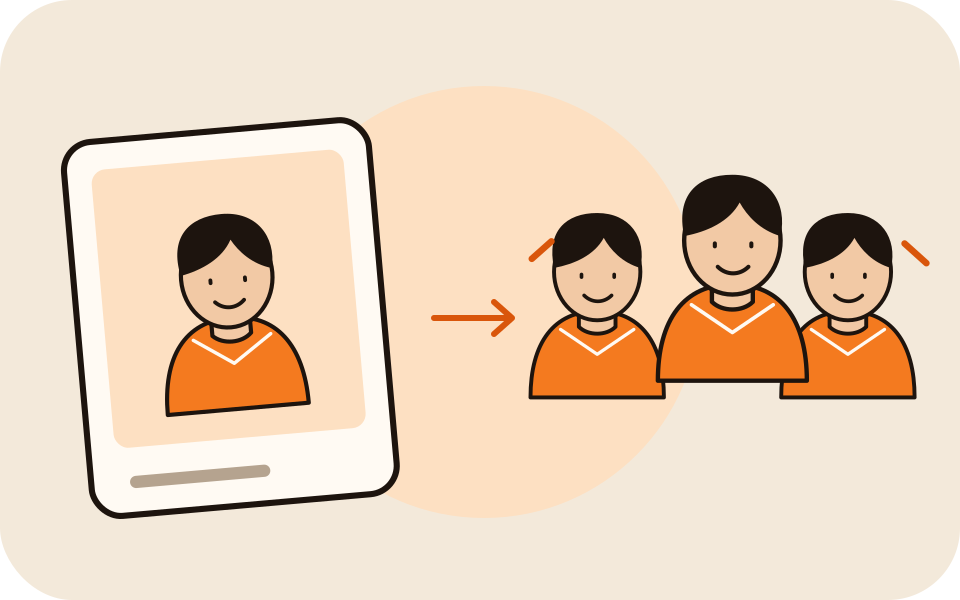
An AI clone video starts with you alone in the frame. Then copies of you appear one at a time until a whole squad hits the same pose. One photo, no tripod, no masking.
A clear, well-lit photo works best. Two photos put two people side by side.
Effects use one or two uploaded photos and the selected source effect. View pricing
Hotel Lobby Video (rapaivideo.net) turns one photo into a clip where copies of you appear one by one and pose together. A 5-second effect at 720p costs 4 credits; packs start at 10 credits for $9.99. There is no subscription. There is no free preview. The provider quotes up to about 5 minutes for a Seedance render.
Updated
The effect
The Clones effect is one scene: you stand in the center, and identical copies of you appear around you until a whole squad strikes the same pose. The classic version takes a tripod, one take per copy and an evening of masking. Here a Seedance video model renders it from your photo, so there is nothing to line up.
The model is told to keep your face, hair and outfit from the photo, so a clear picture matters most. With a second photo, or one photo of both of you, the prompt asks for copies of both. The clip has ambient sound, no music.
Three steps

Waist up or wider, face toward the camera. The background does not matter; the effect ignores it.

The generator starts on Seedance 2.0 Mini, 720p, 5 seconds and 9:16. Change any of them; the price updates.
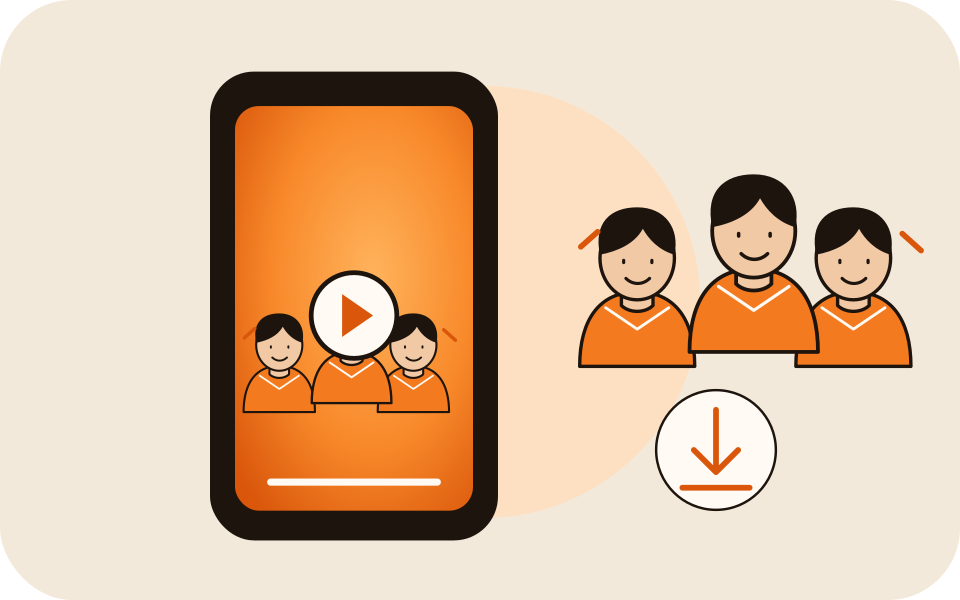
The provider quotes up to about 5 minutes. Download the MP4, or find it later in My videos.
What you get
No filming, no green screen, no second take.
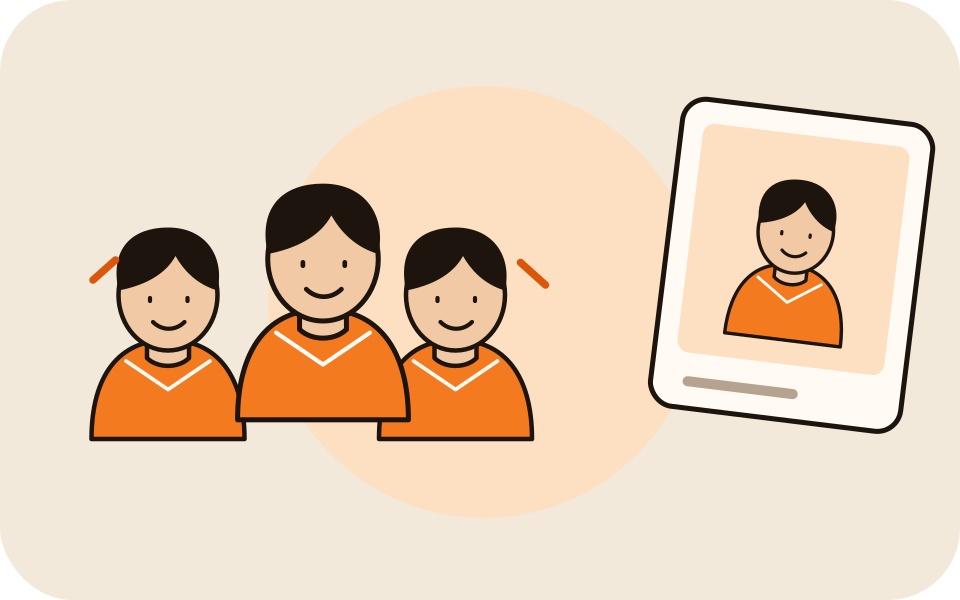
Every copy is meant to wear your outfit, so a bright jacket reads well.

Two photos, or one of both of you, put the pair in the center.
4 credits for 5 seconds at 720p. Longer and sharper versions cost more; failed renders are refunded.
Made here
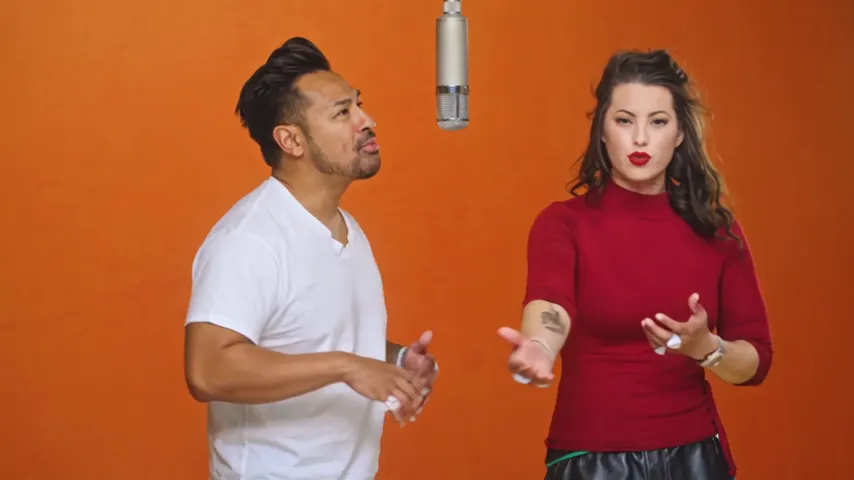
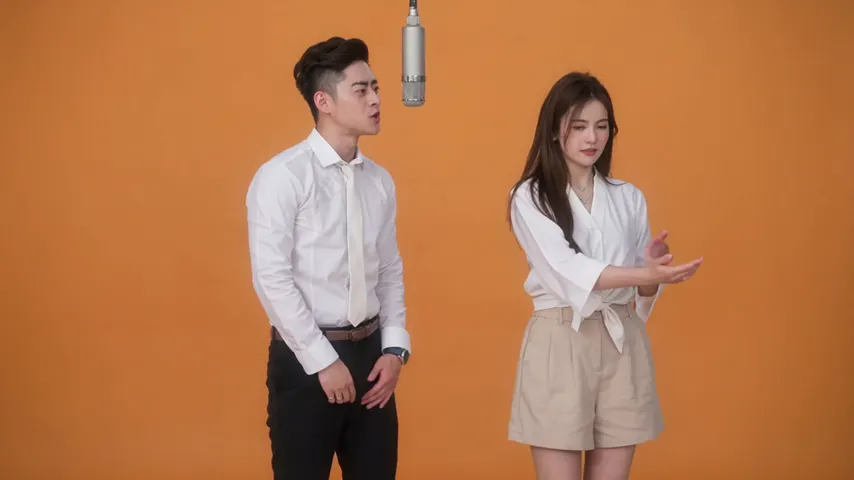
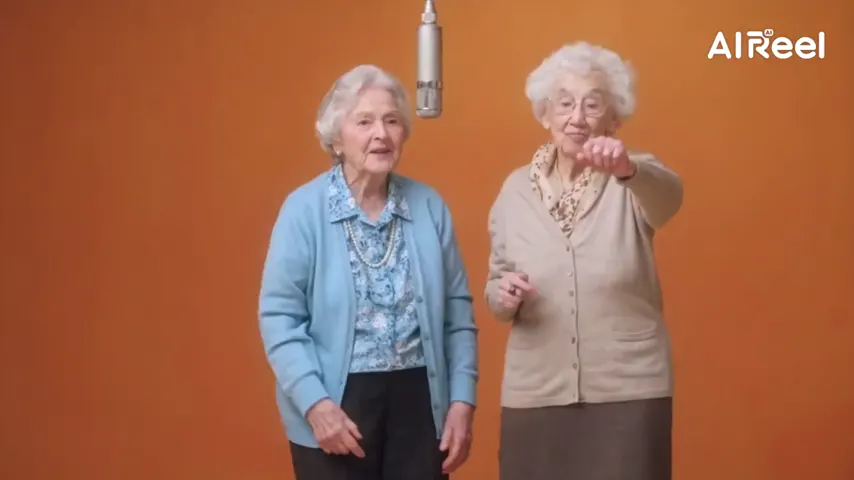
Two selected Wan 3.0 results from our generation workflow. Each rap duo video lists its settings and whether it was a product test or a website render. Play each clip with sound and review the whole performance; these examples do not establish a success rate.
Wan 3.0 · 480p · 10 s · 16:9
Wan 3.0 · 720p · 12 s · 16:9
From other creators
These clips illustrate the Hotel Lobby format and were made with other tools. They are references, not evidence of this generator’s output. Each links to its credited creator.
Add one clear photo, keep Clones selected and tap create. Copies of you appear one by one until a squad strikes the same pose.
No. One photo is enough; the whole scene is rendered from it.
Yes. Add one photo per person, or one photo of both of you.
A 5 second clip on Seedance 2.0 Mini at 720p costs 4 credits. Credits are paid when you create; the smallest pack is 10 credits for $9.99, and a failed render is refunded automatically.
The model is told to keep the face, hair and outfit from your photo. Sharp, front-facing photos work best.
Strength in numbers
One photo in, a whole squad of you out. The price is shown before you create.