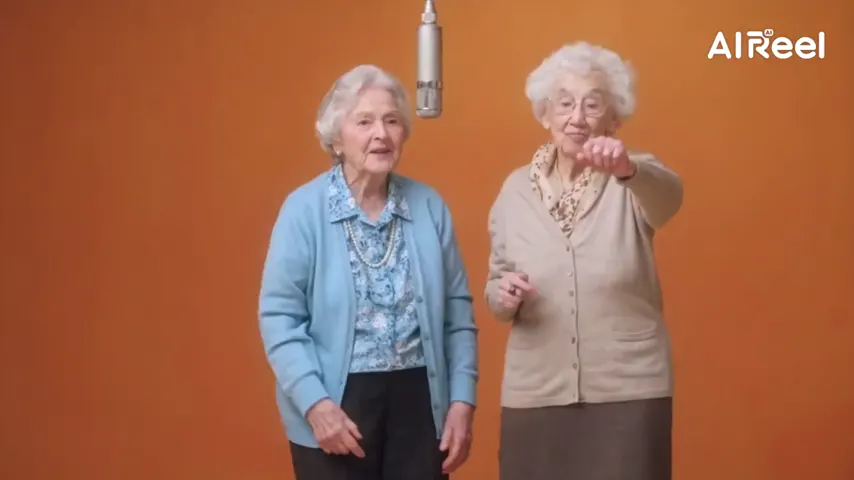
The photo, alive
The same picture and background: the person blinks, breathes, smiles and turns a little.
One photo, many videos
A photo can become very different videos: the same picture blinking and smiling, the person in it rapping with a friend, flying out to space, or stepping into a viral clip. Pick what you want below, add the photo and create.
A clear, well-lit photo works best. Two photos put two people side by side.
Effects use one or two uploaded photos and the selected source effect. View pricing
Hotel Lobby Video (rapaivideo.net) is a photo to video AI tool in the browser: one or two photos become a short MP4, either the photo itself coming alive, a rap duo video, one of 34 effects such as Earth Zoom Out or Hug, or a viral clip re-shot with you in it. An effect starts at 4 credits for 5 seconds at 720p and a 12-second rap video at 6 credits; packs start at 10 credits for $9.99, and no subscription is needed. There is no free preview.
Updated
The choice
“Photo to video” covers two different wishes. Some people want the photo itself to move: the same picture, the same background, a blink and a smile. Others want the person in the photo to do something: rap, hug someone, walk a red carpet. The generator does both; the difference is which tab and which effect you pick.
Everything works from photos alone. You do not film anything, write a prompt or install an app; the scene, the camera and the sound come with the option you choose. The table below says what each one needs.
Three steps
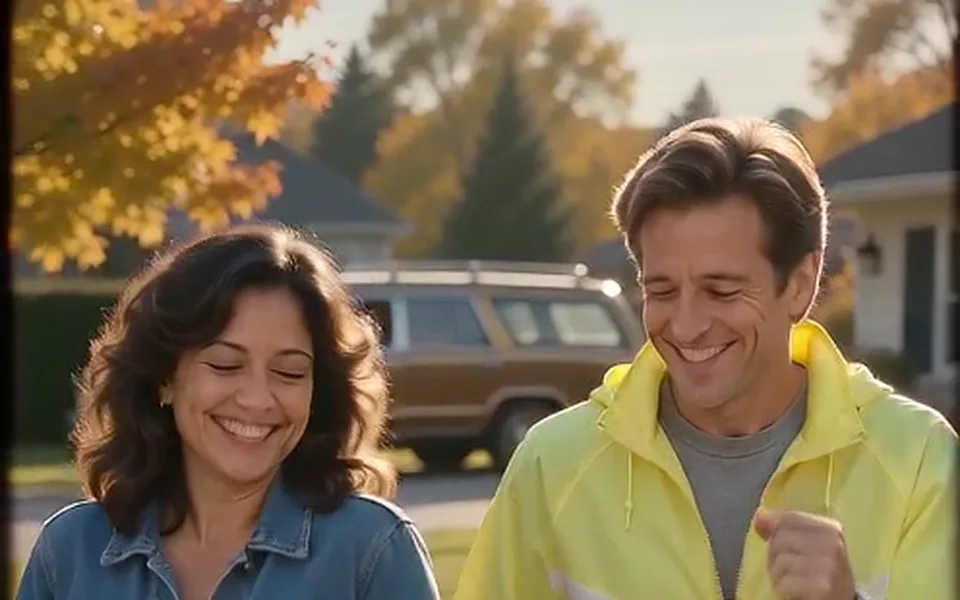
This page starts on Bring to Life: the photo moves. Switch to the Rap video tab or another effect for the rest.
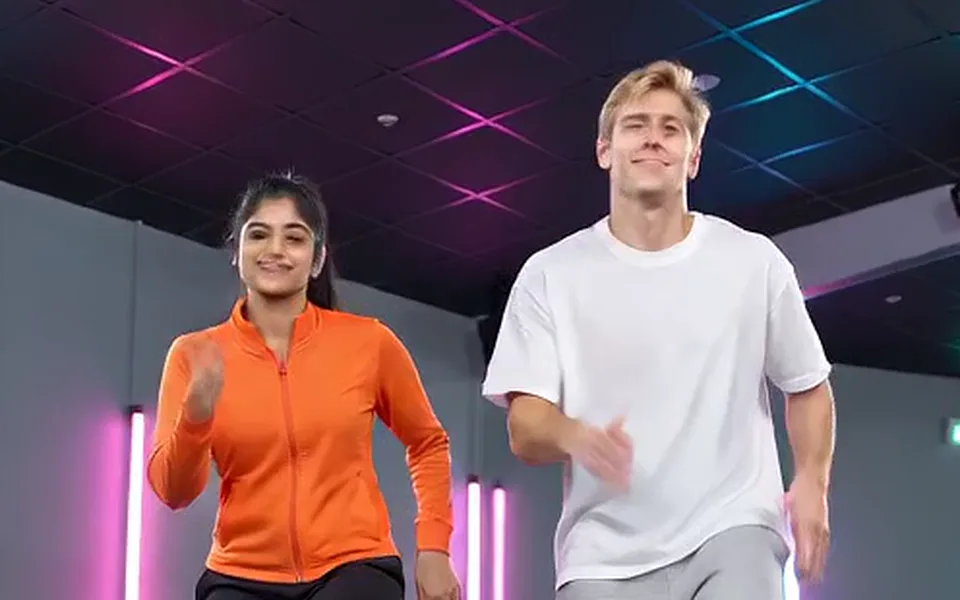
One photo for most effects, two (or one of both people) for a rap video or a two-person effect.

The button shows the credits first. You get an MP4, vertical by default.
Options
The same picture and background: the person blinks, breathes, smiles and turns a little.

Two photos become the two performers of the Hotel Lobby booth, with the original song or a new AI rap.
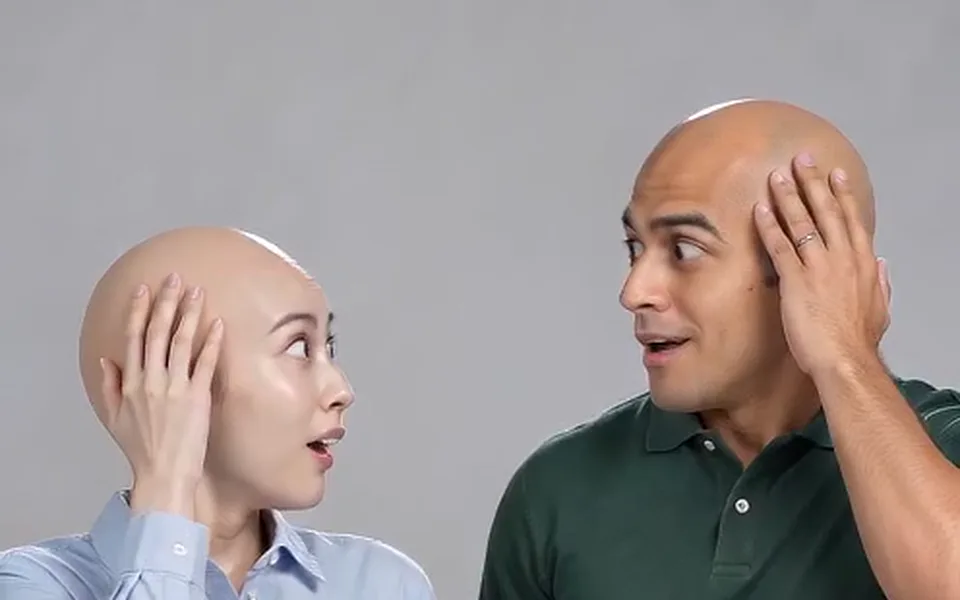
Earth zoom out, hugs, clones, a red carpet, a car jump, an outfit change and more.
Bulin 47, Burning Bridges and APT. re-made with you in them, with their sound.
| You want | Pick | Photos | Length |
|---|---|---|---|
| The photo itself to move | Bring to Life (Effects) | One | 5 s by default |
| Two people to rap together | Rap video, Hotel Lobby stage | Two, or one of both | 5, 8, 10, 12 or 15 s |
| A new song about a topic | Rap video with AI rap, or a sung song stage | Two, or one of both | Up to 15 s, 30 s on Seedance 2.5 |
| Something to happen to you | Any effect, such as Earth Zoom Out or Car Jump | One or two | 5 s by default |
| To be in a viral clip | Bulin 47, Burning Bridges or APT. | One, or two for APT. | 12 to 15 s |
Made here
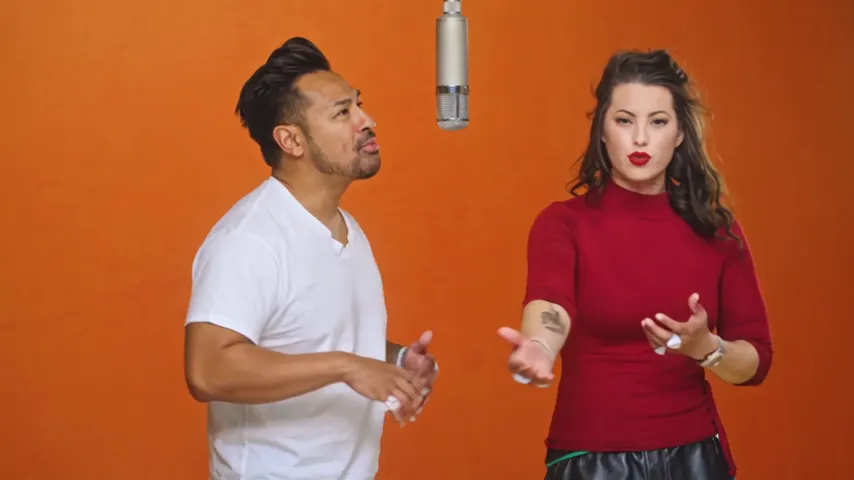
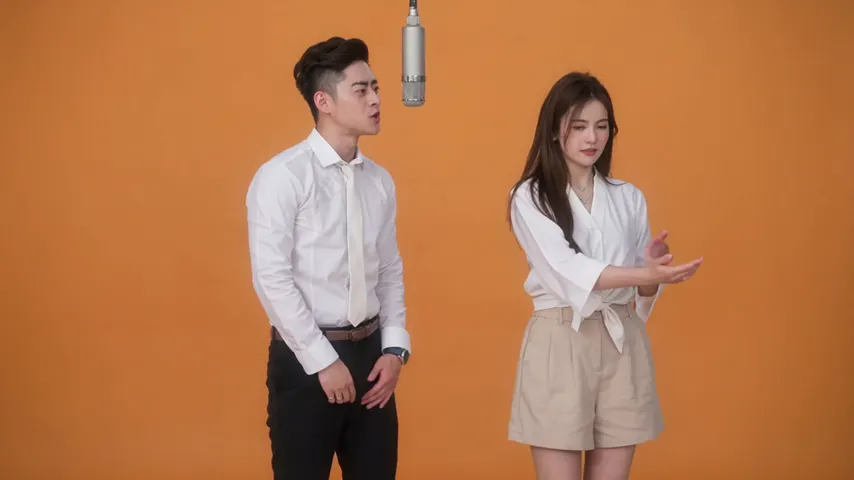
Two selected Wan 3.0 results from our generation workflow. Each rap duo video lists its settings and whether it was a product test or a website render. Play each clip with sound and review the whole performance; these examples do not establish a success rate.
Wan 3.0 · 480p · 10 s · 16:9
Wan 3.0 · 720p · 12 s · 16:9
From other creators
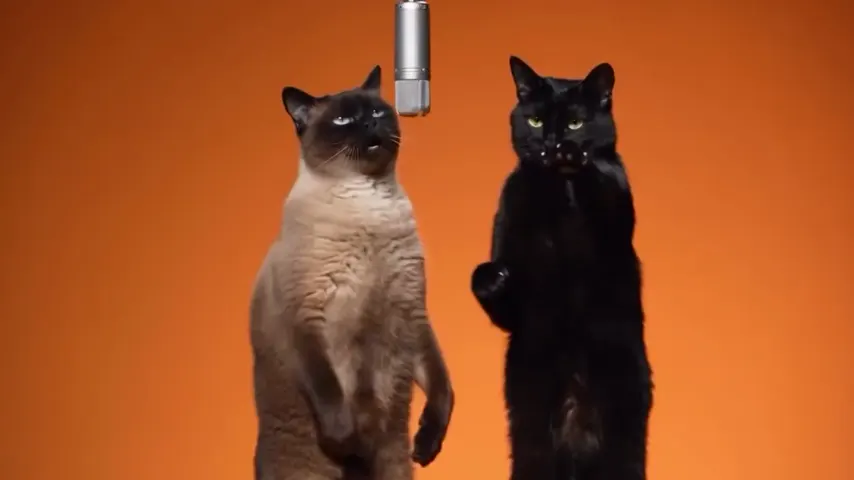
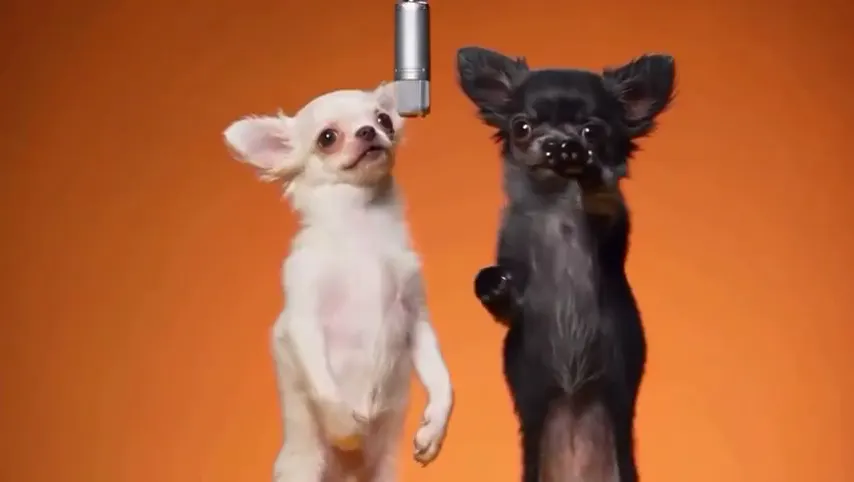
These clips illustrate the Hotel Lobby format and were made with other tools. They are references, not evidence of this generator’s output. Each links to its credited creator.
Add the photo, pick an effect or the Rap video tab, and tap create. A few minutes later you download an MP4.
Yes: Bring to Life keeps the photo’s background and framing, and the person blinks, breathes and smiles.
An effect is 4 credits for 5 seconds at 720p, a 12-second rap video 6 credits. Credits are paid when you create; the smallest pack is 10 credits for $9.99, and a failed render is refunded automatically.
No. There is no free preview or free credit; you see the price before you create.
Yes. It runs in the phone’s browser, and the MP4 saves to the phone.
Yes for Bring to Life; it keeps the photo’s look. Faded or tiny photos give the model less to work with.
Not here. Each option has its scene written already; for a free prompt, use a general text-to-video app.
Start with one photo
Pick what it becomes, add the photo, see the price, create.